How to Choose a Real Estate Videographer for Your NYC Listing
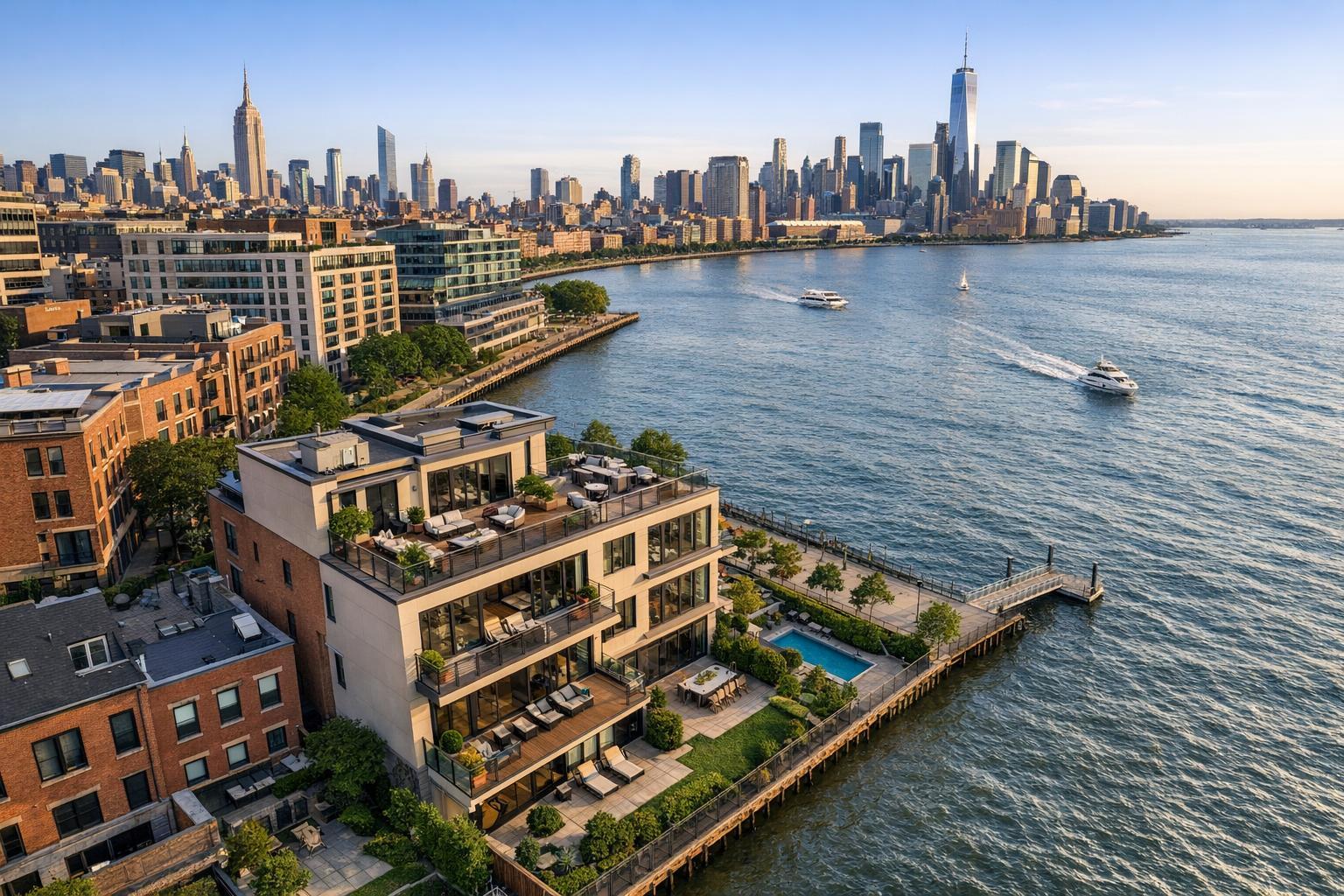
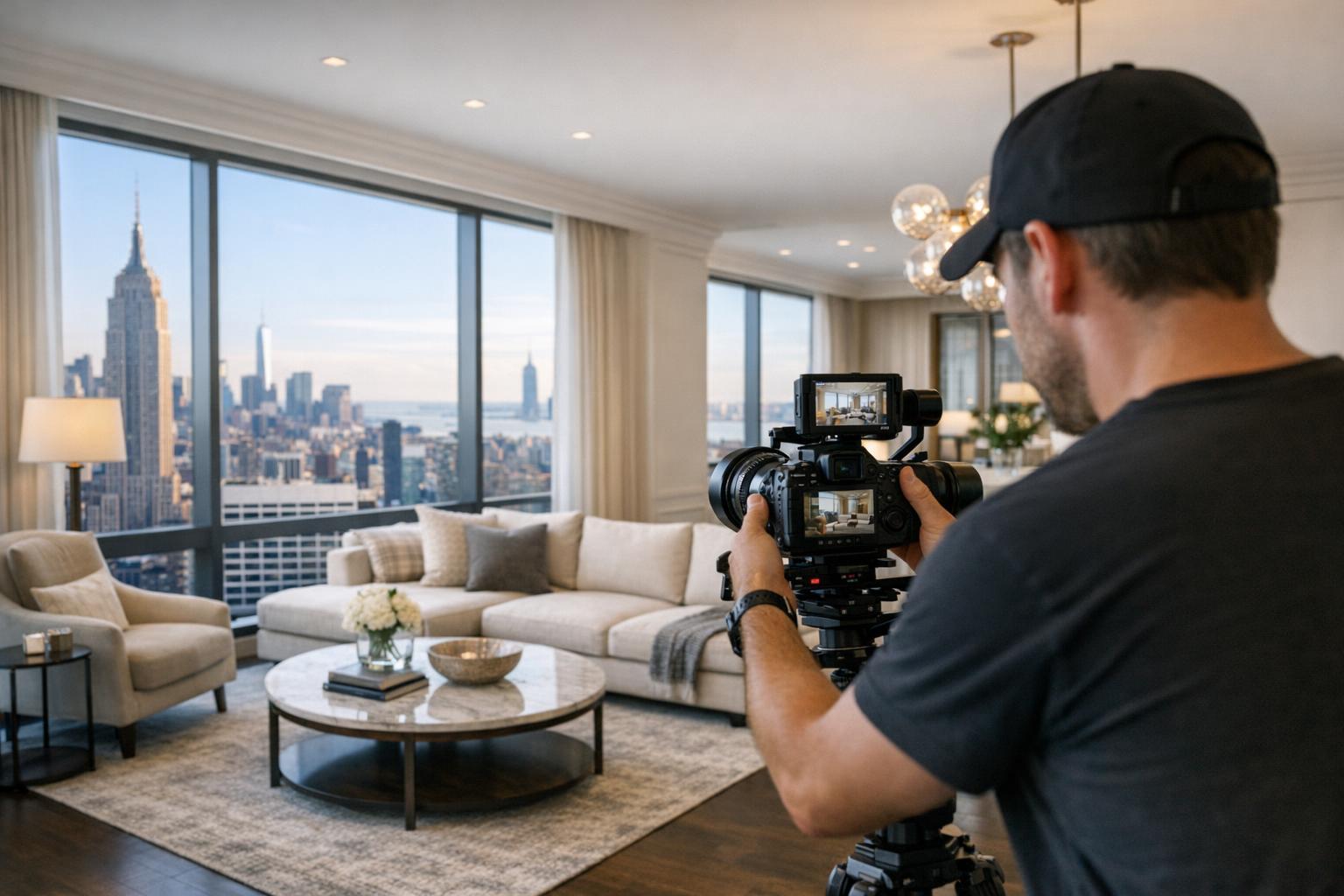
A real estate videographer captures footage of a luxurious apartment with a stunning view of the city skyline.

How to Choose a Real Estate Videographer for Your NYC Listing
A real estate videographer can do more than just make your listing look beautiful—they can help future buyers actually understand what living in the space might feel like. In a city as complex and varied as New York, where architecture, building amenities, and neighborhood atmosphere play an outsized role, a well-made real estate video tour can turn listing browsers into serious prospects.
But not all property videos are created equal. Some “listing videos” are really just slideshows set to music, while others are thoughtfully produced, taking viewers on a seamless journey through the home. If you’re an agent, owner, or broker looking to add video to your marketing mix, here’s what to know before you hire.
What Should Your Video Actually Show?
Before comparing different providers, get clear on what you want viewers to take away from your video. The best real estate video tours aren’t just another line item—they’re strategic tools that help buyers understand features or layouts that photos alone can’t fully communicate.
Video is especially helpful for:
- Homes with multiple levels, terraces, or roof decks where spatial flow matters
- Larger apartments with unique connections between living spaces and bedrooms
- Properties loaded with hidden character or distinctive architectural features
- Residences that shine thanks to abundant sunlight or a memorable atmosphere
- Listings where common amenities or neighborhood context play a strong role (think full-service buildings, new developments, or historic brownstones)
Even studio and one-bedroom listings in Manhattan have their stories. A short, well-paced walkthrough can clear up how you move from entryway to kitchen to living area, making small homes feel more inviting and logical. The right videographer knows not to dwell on every corner—they focus on what matters to buyers.
The Difference Between a Real Video Tour and a Slideshow
It’s easy to confuse slideshows for real video, but there’s a big difference. Still photography stops time and lets viewers study details. Video shows how it feels to move through a property, connecting those static images into an understandable whole.
The best real estate videos:
- Capture original footage on site (not just reusing listing photos)
- Use intentionally smooth camera movement
- Trace a believable path through the home
- Reveal full rooms before zooming in on details
- Adjust for lighting as the camera moves from bright to dim areas
- Maintain clean, straight lines for a polished look
- Use editing to tell the home’s story, not just rack up minutes
Don’t expect or want a video to show every nook and cranny. Good editors choose footage that moves the story forward, which usually means leaving out utility closets or spots that don’t add value.
Reviewing a Videographer’s Work: What to Watch For
Before signing on, watch full video samples—not just highlight reels or still frames. Pause and ask yourself:
- Does the video help you understand how to enter and move through each room?
- Does the camera glide smoothly and linger where it counts?
- Do room transitions feel natural, or do you get lost?
- Can you read the views out the windows, or are they blown out?
- Does color and lighting feel true to life and flattering to the space?
- Does the pacing feel calm and controlled, or did you feel rushed?
For bright, open apartments, a lighter edit works. For moody lofts or historic brownstones, restraint and slower pacing can help the property’s personality shine. What matters most is that the style suits the home—not just the videographer’s personal brand.
Planning the Shooting Route: It’s Not One Size Fits All
A real estate videographer should come prepared with a method for mapping the property's journey. In NYC, layouts rarely follow predictable patterns. During an initial walkthrough, a professional should identify:
- The strongest entrance or opening shot
- The most logical path through both public and private spaces
- Which rooms or features are highlights worth extra time
- Areas better covered briefly (or skipped)
- Outdoor spaces, amenities, or views that add value
- Any lobby or neighborhood shots to include, if applicable
There’s no universal formula, but the flow should mirror how a buyer might organically see the home. For example, a shoot at a Brooklyn brownstone may start at the stoop, then move from parlor-level entertaining spaces to the kitchen, backyard, and upstairs bedrooms. For a Manhattan condo, the video might begin inside the lobby, move to the main living area with city views, and then transition through other rooms.
Navigating NYC Building Logistics: What to Expect
Shooting video in New York City means working around building rules, amenities access, security desks, elevator reservations, and tight timelines. Share details with your provider ahead of time, like:
- Building entry instructions and contact info
- Front desk check-in requirements
- Elevator or amenity reservation policies
- Which amenities are off-limits or need approval
- Timing restrictions that affect access or noise
- Special coordination needed for certain rooms or exterior views
Full-service buildings and developments often require extra coordination to film common spaces or exterior features—knowing this in advance keeps the session on track.
Neighborhood footage is nice, but keep it concise unless the location is a core selling point. A quick exterior establishing shot often suffices unless you’re commissioning a higher-level marketing piece.
Editing, Branding, and Music: Decide Before the Shoot
A finished listing video is more than just raw footage. The process—from shot selection and sequence to branding overlays—makes all the difference.
Before work begins, ask what’s included in your package:
- Will your logo and contact info appear in the video?
- Are custom branding, motion graphics, or text included?
- How is music chosen? Can you change it?
- Is there an option to feature agent or homeowner interviews?
- How many revision requests are included?
- Are vertical or square social media versions available?
- Can you ask for raw footage if needed?
Branding should be helpful and subtle—a tasteful opening/closing sequence, clean graphics, and readable agent details. For videos with interviews, make sure sound quality is a priority. Music should set a mood but never be distracting or generic.
Matching Production to Your Listing
Not every property justifies the same video investment. Compact apartments benefit from short, focused walk-throughs, while luxury homes or new developments may need longer edits and more elaborate storytelling.
At RealtaSnap, you can choose from three primary video packages:
- Standard: One-minute video with logo and contact
- Premium: 1.5-minute video, custom branding, neighborhood and amenity coverage
- Premium + Interview: Up to three minutes, includes interview footage and a more detailed edit
Social-media-optimized versions (vertical or square) are available as add-ons, too. This gives you flexibility and transparency—choose what fits your property best. Full details are available on RealtaSnap’s NYC real estate videography page.
What to Ask Before Hiring
Price matters, but clarity matters more. Before you hire, clarify these points:
- Will the footage be captured on-site or is it a slideshow from photos?
- How long will the finished video be (run time)?
- How much time is set aside for filming on the day of the shoot?
- Will you film the lobby, amenities, outdoor areas, or neighborhood if needed?
- What graphics, music, and branding are built in?
- Are alternate versions (vertical or social) available, and what do they cost?
- How do you handle revision requests?
- Can I request raw footage?
- What do you need from me regarding building access or permissions?
- Can you show recent work from similar properties?
Direct, detailed answers make it easier to set realistic expectations and avoid surprises.
Getting the Property Ready: Details Count
Video reveals what photos sometimes hide—open doors, uneven blinds, tangled cords, or cluttered countertops can all become more noticeable as the camera moves through. Before the videographer arrives:
- Clear kitchen and bathroom surfaces
- Stow trash bins, pet items, and personal effects
- Open shades or curtains for natural light (when privacy allows)
- Turn on all working lights and replace dead bulbs
- Straighten rugs, make beds, align furniture
- Remove obstructions from walkways
- Confirm which rooms or amenities will be filmed
A clean and organized space not only looks better but allows for smoother, clearer video.
Choose Clarity Over Effects
At the end of the day, buyers engage with a video when it tells the property’s story with clarity and intention—not because it’s packed with flashy transitions or effects. For NYC listings, the right property video professional knows how to highlight what makes a space special, whether that’s a sun-drenched studio or a historic brownstone.
If you’re looking for a straightforward way to add high-quality video to your listing, RealtaSnap provides on-site capture with editing packages from simple branded walk-throughs to more robust productions complete with amenities and neighborhood coverage. Learn more or schedule at www.RealtaSnap.com.
FAQ
Question: How long should my real estate video be?
Answer: It depends on the size, complexity, and unique features of the property. For an average apartment, a one-minute walkthrough is often just right. Larger homes or listings with lots of amenities benefit from a longer, more detailed edit—especially if you plan to include interview content or extended neighborhood footage.
Question: Do I need a professional video if my property is small or straightforward?
Answer: Even small apartments can benefit from a concise, thoughtfully shot video. A quick walk-through clarifies the layout in ways that photos and floor plans often can’t—making your listing more accessible to remote or out-of-town buyers.
Question: Can I get a vertical or social-ready video for Instagram or TikTok?
Answer: Yes. RealtaSnap offers vertical and square-format alternate cuts specifically for Instagram, TikTok, and similar platforms. These are available as add-ons when you order your main property video.
Ready to book or want to view more examples? Visit www.RealtaSnap.com for more information and booking options.