How to Choose Real Estate Media Services for Your Next Listing
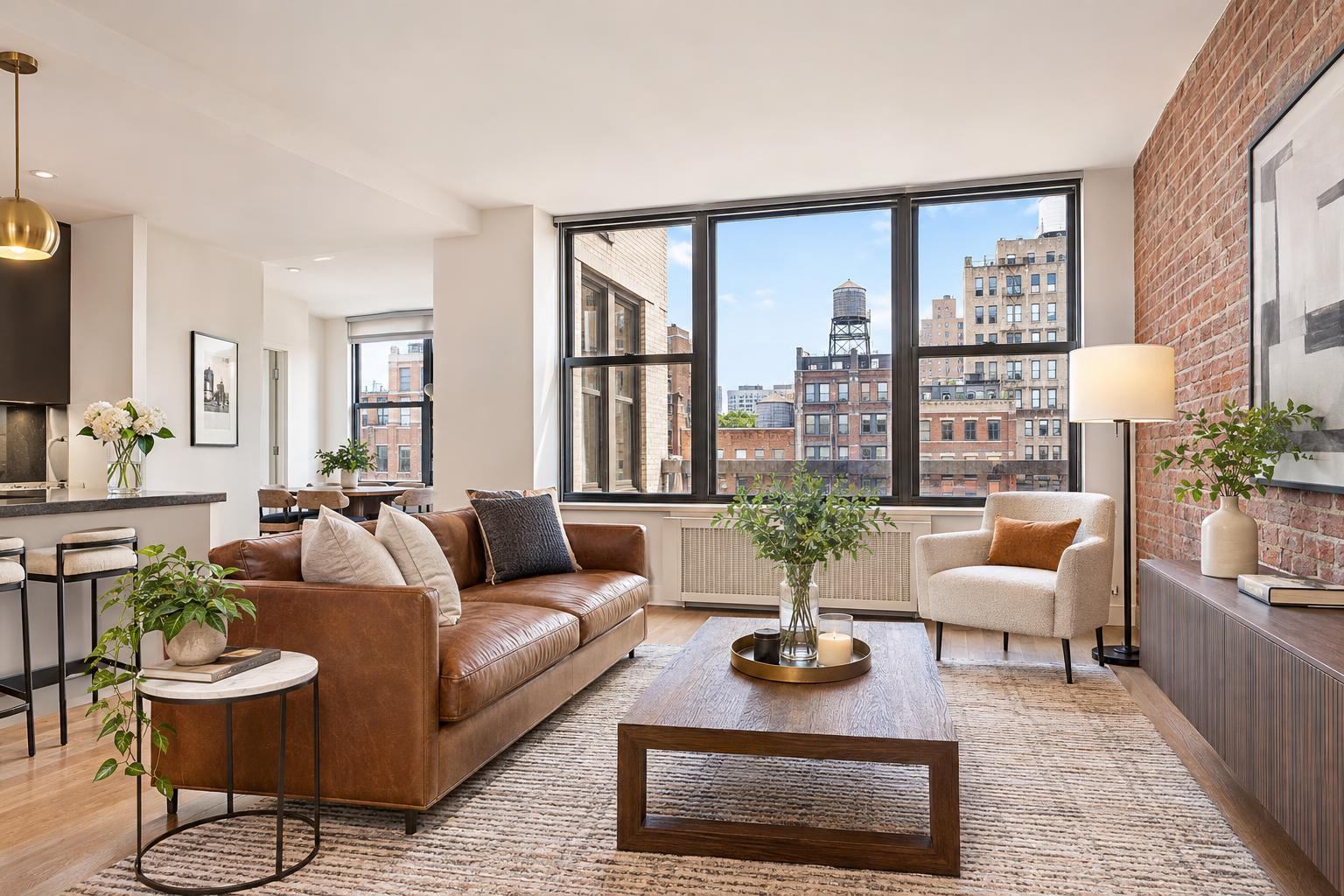
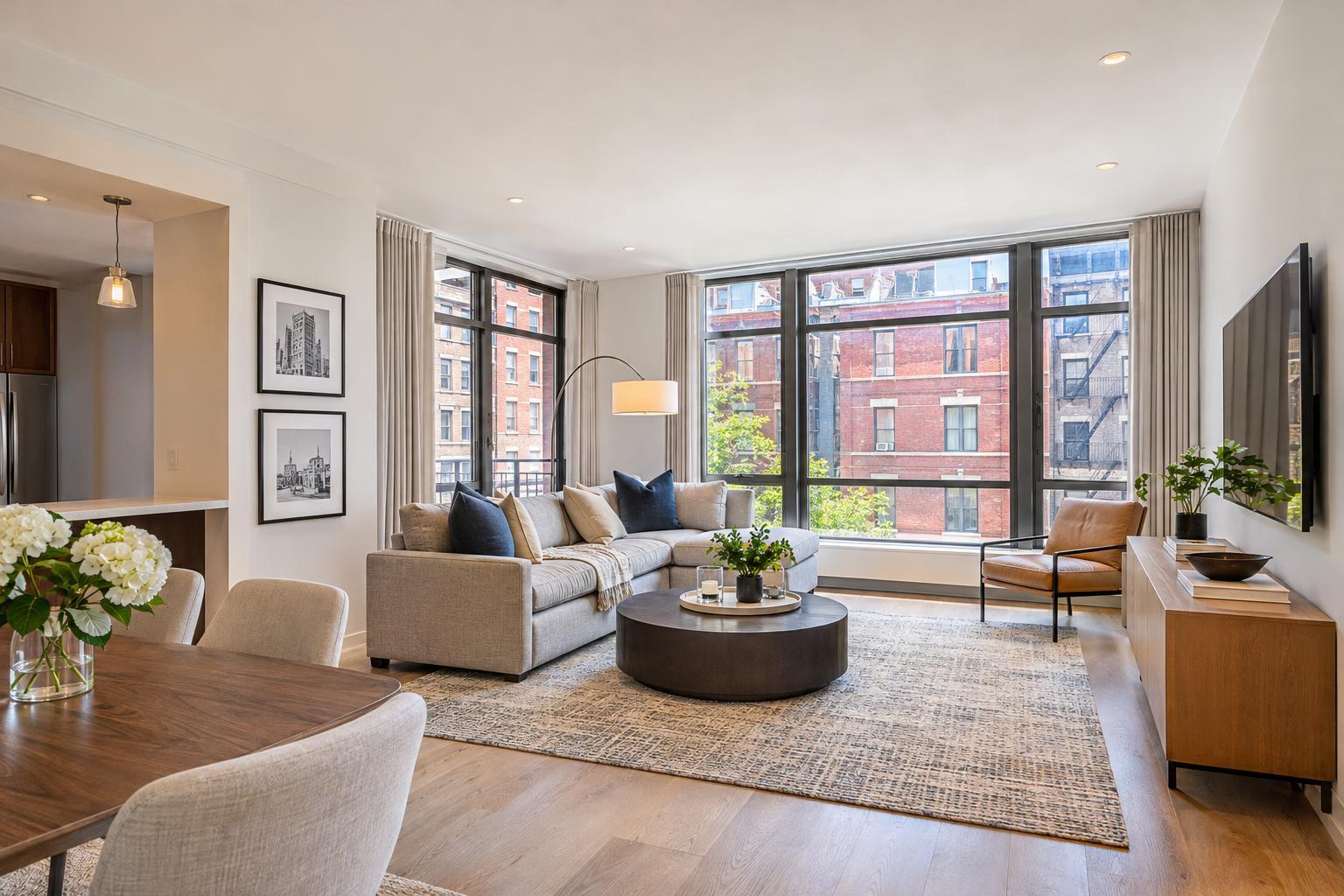
A cozy and elegantly decorated living room features a large beige sectional sofa, a round ottoman with a tray of flowers, a fireplace beneath a mounted TV, and opens into a dining area, highlighting its appeal in real estate media.


How to Choose Real Estate Media Services for Your Next Listing
Real estate media is more than a gallery of nice listing photos. When you’re marketing a property in NYC, New Jersey, or nearby areas, the right collection of visual and informational assets can determine how easily buyers, renters, or tenants understand what makes a space unique—before they ever schedule a tour.
For one listing, that set might just mean clear, professional photography and a straightforward floor plan. For another, it’s a mix of video walkthroughs, 3D virtual tours, drone images, or even virtual staging. The big question: Where does your property land, and how do you actually decide what matters for your next listing?
Let’s walk through the practical factors agents, brokers, managers, and owners should consider before booking real estate media services, so you can make informed decisions and get more value from your next property shoot.
Start With the Story—Then Build Out Your Media
Almost every property marketing plan starts with photos. Clean, natural photography is still the foundation—in most cases, it’s not optional. Good photos document the rooms, finishes, views, and every detail that shapes that crucial first impression.
But photos alone can’t answer every question a buyer or renter might have. When you’re choosing media, it’s worth thinking about what your listing actually needs to communicate:
- Which details or features make this property marketable?
- Is the layout easy to grasp from photos alone?
- Does context—like a yard, skyline view, or roof deck—play a big role?
- Would a video walkthrough or floor plan make flow and connections clearer?
- Who are your likely viewers: local, remote, comparing multiple homes online?
- Where will these assets appear—MLS, your own website, social media?
For example, a compact Manhattan apartment might be best served by clean photography and a detailed floor plan. Buyers can see the finishes and use the plan to understand how the rooms connect.
Contrast that with a larger New Jersey home on a big lot. Photos might need backup from video to show the flow of the home, and drone images to highlight outdoor features or location context—if airspace and weather cooperate.
Your job isn’t to pack every possible service into every listing. It’s to choose the tools that answer the questions YOUR space presents.
Breaking Down the Real Estate Media Toolkit
Here’s a quick, practical guide to what each type of media can do—and when it’s worth including in your marketing plan.
Listing Photography: The Foundation
High-quality photos make a space understandable online. Look for:
- Straight, balanced shots—no weird angles or distortions
- Realistic light, not blown-out windows
- Logical visual “flow” from room to room
- Detail shots when finishes or surfaces matter
- Exterior photos that cover entryways, outdoor spaces, or curb appeal
- Consistent editing for a cohesive look
Photos are your baseline—the asset every buyer expects.
Floor Plans: When Layout Really Matters
A floor plan gives structure and context that photos simply can’t. They show:
- How rooms relate (is the second bedroom off the living area?)
- Where entrances and exits are
- Whether flexible spaces can be used as an office, guest room, etc.
- Dimensions, closet/utility locations, and traffic flows
Floor plans are especially useful for homes with unusual, efficient, or multi-level layouts—or for out-of-town buyers narrowing down options without a site visit.
Keep in mind: Floor plans require on-site capture by a professional—they’re not created from old PDFs or stitched from photos. Make sure the property is accessible for each part you need mapped.
Video Walkthroughs: Adding Atmosphere and Movement
Video does what stills can’t: It lets buyers see how each space flows into the next. Quick, intentional video tours can:
- Establish a “sense of arrival” and reveal flow through living areas
- Highlight connections to outdoor spaces
- Support listings with complex layouts, renovations, or design features
- Work well as shareable content for social media, property websites, or email
Not every property needs a big cinematic production, but a short, professionally captured video can add real clarity—especially for larger homes or open-plan spaces.
Note: RealtaSnap doesn’t create slideshow videos from stills. Listing video is always captured in person for accuracy.
3D Virtual Tours: Control and Interactive Exploration
Platforms like Matterport let remote viewers “walk” the property at their own speed—ideal for:
- Homes with multiple levels or complex flow
- Remote buyers, renters, or investors
- Owners who want to offer inspection-style viewing before a visit
- Multi-unit or commercial properties
3D tours are always created on-site: They’re based on physical scans, so remote creation from existing plans or images isn’t possible.
Drone Imagery: Context and Scale When It’s Feasible
Aerial photos and clips show buyers what street-level shots can’t: yard size, water features, pool, nearby amenities, or proximity to commercial hubs. They can be especially valuable for:
- Homes on large or corner lots
- Waterfront properties or homes with prominent outdoor amenities
- New developments
- Buildings where neighborhood context or views are a major selling point
Remember: Drone work is always subject to FAA rules, airspace, weather, safety, and pilot discretion. Flights are never guaranteed—your media provider should set realistic expectations.
Virtual Staging: Visualizing Empty Rooms
Virtual staging brings a vacant space to life, helping buyers imagine its use. It works best when:
- The room is empty and clean
- Permanent features aren’t covered or altered
- The intent is to clarify possible uses, not disguise the true condition
If the room still has furniture or too much clutter, physical clearing or clutter-removal editing is needed before digital staging is added.
Matching Media to Your Listing: Practical Examples
Every property is different. Here’s how you might approach a few common scenarios in NYC and New Jersey:
Compact City Apartment
- Core assets: Professional photography, detailed floor plan
- Why: Buyers want to see finishes and understand the layout for efficient use of space
- Extras: 3D tour or video if the apartment has a unique shape or attracts remote interest
Multi-Level Brooklyn Brownstone
- Core assets: Photography, floor plan, video
- Why: Showroom images highlight details, while video and floor plans clarify flow across parlor, bedrooms, garden, and roof access
New Jersey Single-Family Home
- Core assets: Photos plus exterior/context shots
- Possible add-ons: Drone images, video, or virtual tour for larger homes, especially where outdoor amenities or lot context play a role
Vacant Rental or Sale Listing
- Core assets: Clear photos
- Add-ons: Virtual staging (for empty rooms), floor plan (to clarify layout)
Prepping for a Real Estate Media Shoot
No camera or editing style can overcome a space that isn’t prepared. To make the most of your appointment:
- Clear counters, tables, and surfaces
- Remove personal and pet items, stray cords, and storage bins
- Turn on lights and replace dead bulbs
- Open blinds if natural light and views are assets
- Make beds, tidy cushions, set up dining areas
- Move cars and loose items outside, if possible
- Confirm access to all rooms and outdoor areas
- Let building staff or occupants know about the shoot
Aim for “show-ready,” not just clean. The fewer distractions, the better your final assets will present the property.
Choosing Your Real Estate Media Provider
Looking through a portfolio is a good start, but there’s more to consider. As you compare providers, ask:
- Are photos accurate in color, straight in lines, and consistent across properties?
- Is the provider equipped to coordinate all the specific services you need?
- How are media files delivered and organized?
- Do they clearly explain what requires on-site capture vs. remote work?
- Are booking, access, and logistics handled smoothly?
- Are drone jobs only promised when feasible?
- Will they communicate quickly if listing needs change?
Booking with a company like RealtaSnap means you can coordinate your listing photography, video, floor plans, 3D tours, drone images, and virtual staging through a single platform, making the process easier for agents and owners in NYC and New Jersey.
Cut Through the Clutter—Focus on Clarity
The most effective media package for your next listing is the one that makes the home or space clearer to understand. Start with strong photography, then pick the tools that fill in gaps: layout, flow, interactive exploration, aerial context, or staged visualizations for vacant rooms.
Need advice on which assets are right for your property? See options or book easily at RealtaSnap’s website. When in doubt, the team’s happy to help you decide on the best fit.
FAQ
Question: Does every listing need all types of real estate media for a strong presentation?
Answer: No. Photography is the core necessity, but floor plans, video, drone, virtual tours, or staging should be added based on what they actually contribute to your specific property. The right mix depends on size, layout, location, and your marketing goals.
Question: Can I order a floor plan or 3D tour using only photos or building plans?
Answer: Floor plans and 3D tours always require physical access and on-site capture. Existing listing photos or old plans aren’t enough to produce accurate, market-ready layouts or walk-throughs.
Question: What if I want virtual staging but the room isn’t empty yet?
Answer: Virtual staging is designed for empty or properly decluttered rooms. If there’s still furniture or clutter, clear the space in advance or arrange for clutter-removal editing before virtual staging is applied.
For more guidance or to coordinate your next real estate media project in NYC or New Jersey, visit www.RealtaSnap.com.