What to Look for in a Real Estate Video Tour for Your Listing
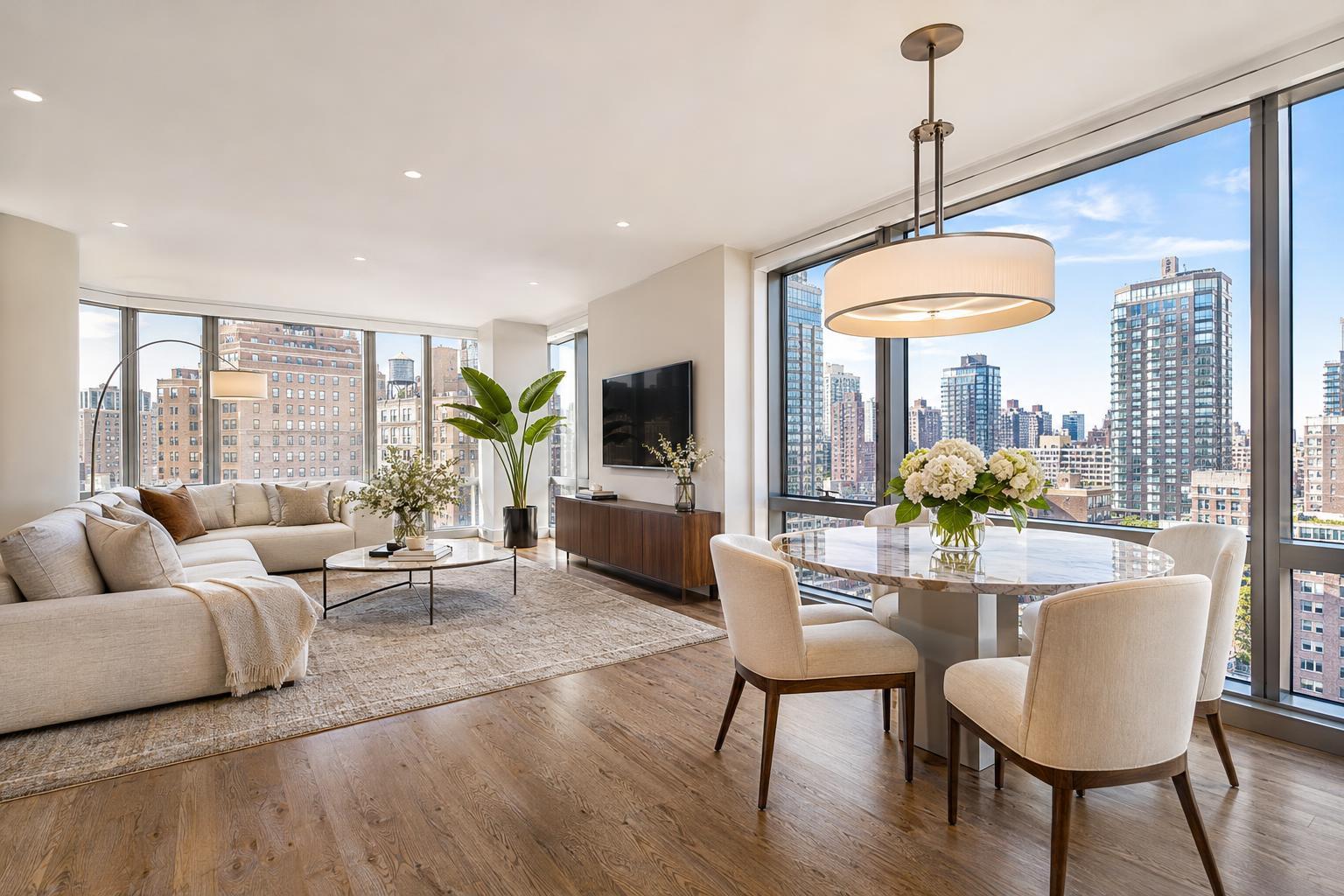
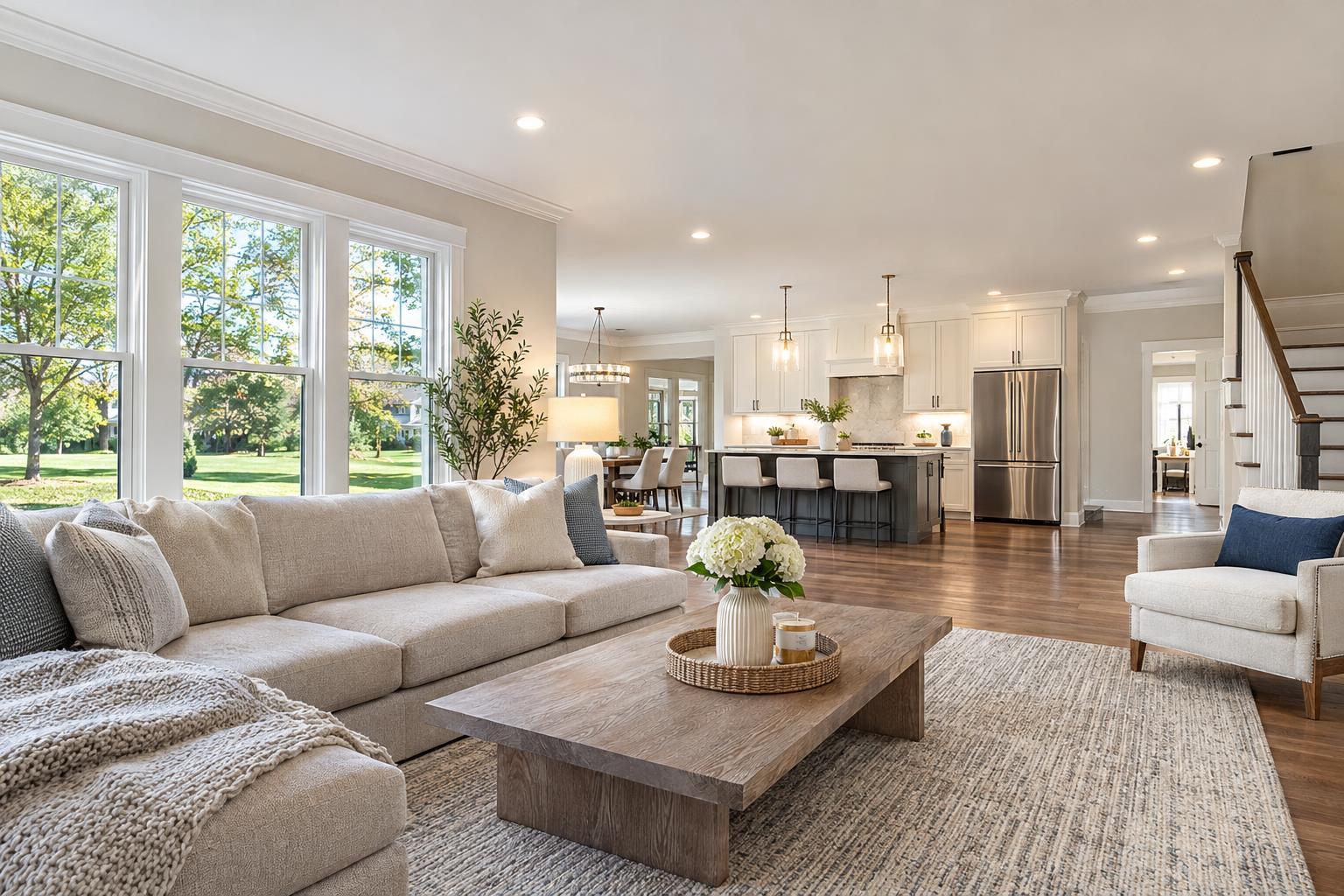
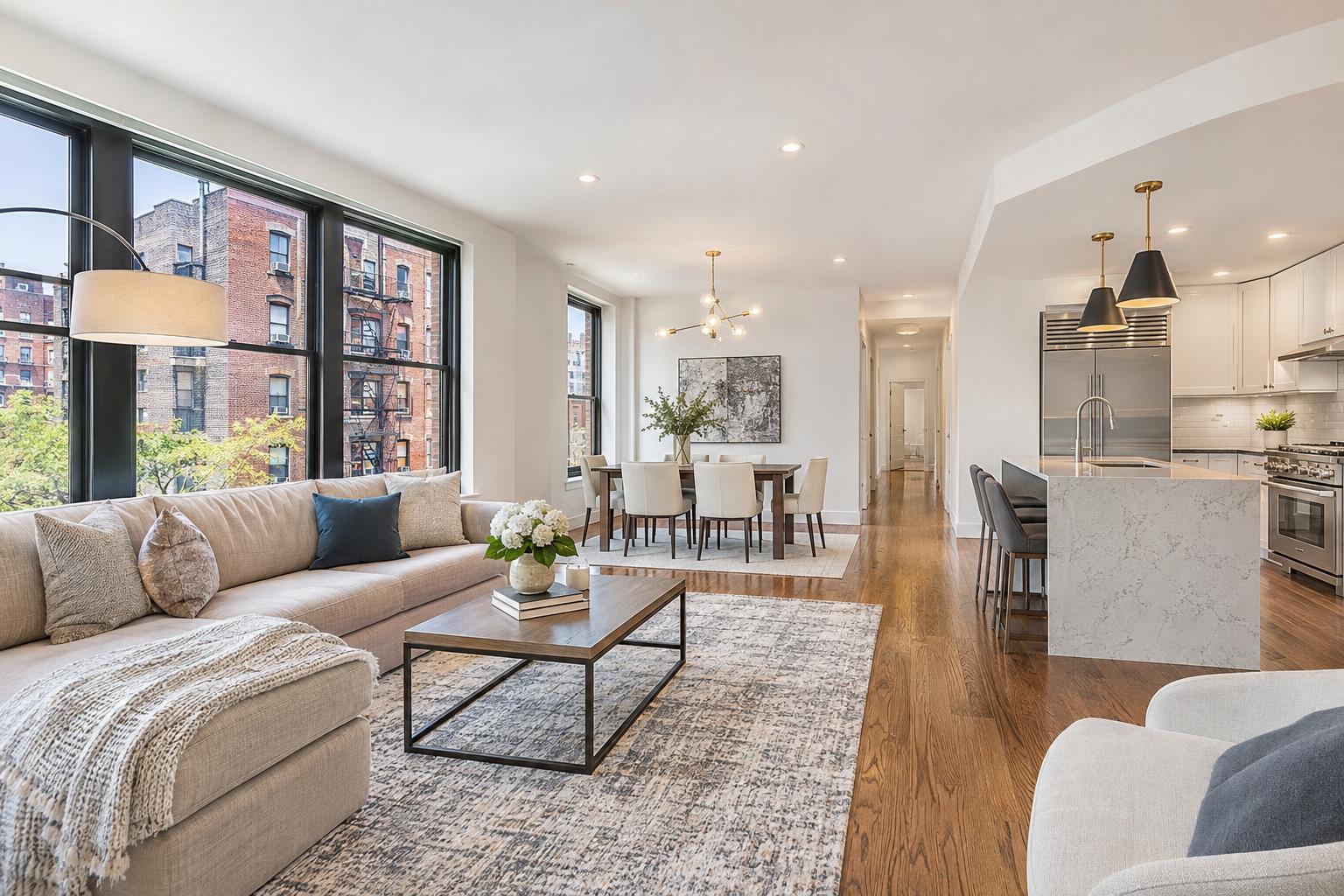
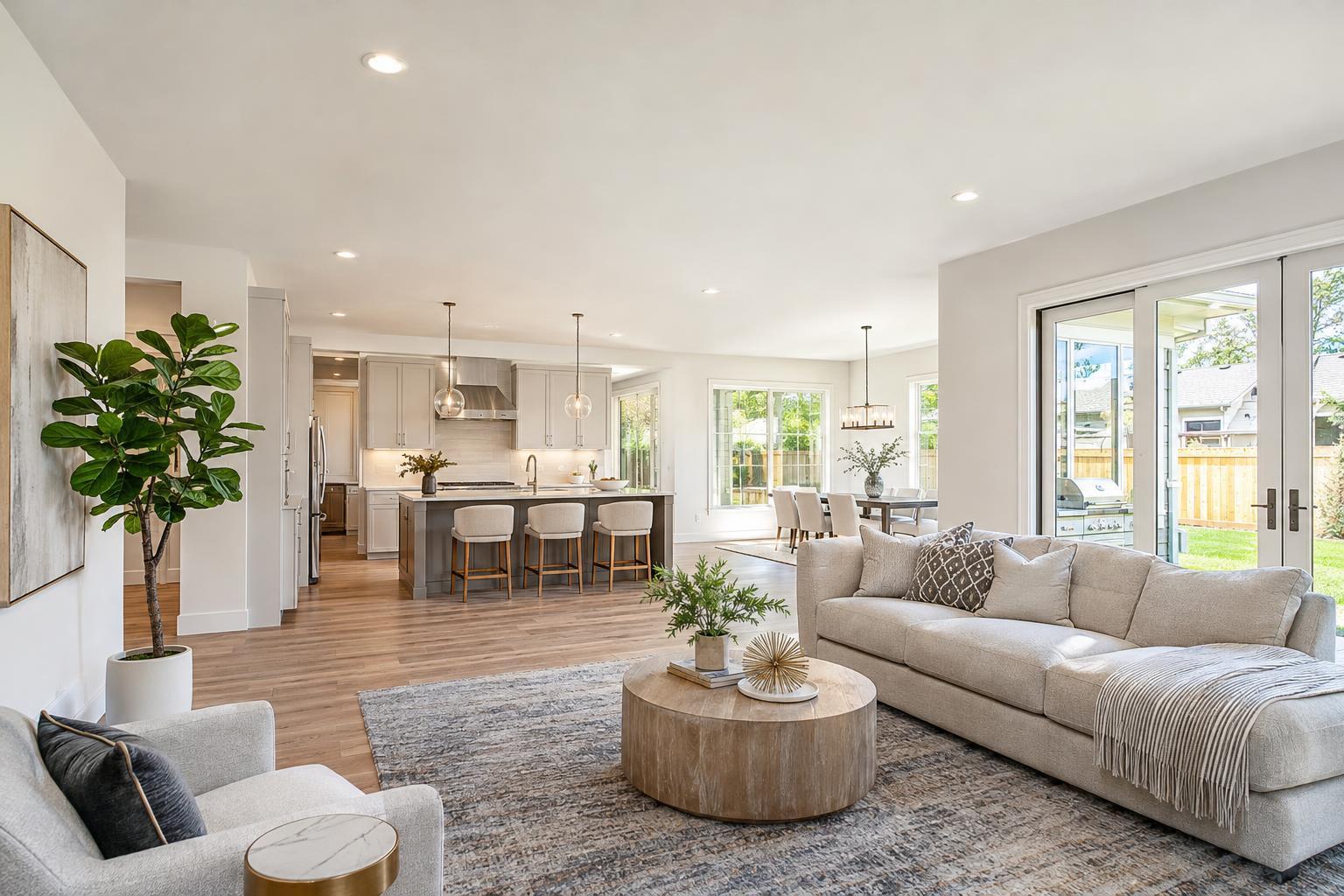
The spacious open-concept living area, highlighted in a real estate video tour, features a cozy seating arrangement, elegant dining space, and a modern kitchen, all bathed in natural light streaming through large windows and glass doors.

What to Look for in a Real Estate Video Tour for Your Listing
A real estate video tour can offer buyers and renters a much richer, more lifelike sense of a property than photos alone. When the footage is thoughtfully captured, viewers don’t just see rooms—they experience the way a home fits together, from the first steps through the front door to that moment when sunlight hits a kitchen or living room just right. If you’re weighing whether to invest in a property walkthrough video, knowing what makes a tour effective (and why a purpose-shot video beats any slideshow) is the best place to start.
Why Video Walkthroughs Matter
The right video tour helps potential buyers and tenants imagine themselves moving from room to room, soaking in the details and the feel of the place. In fast-moving markets like Manhattan, Brooklyn, and across New Jersey, cutting through the static with motion can be the key to reaching serious prospects—and making sure only the most interested reach out for an in-person visit.
Of course, not every property calls for the same approach. A cozy studio in the West Village deserves a short, easy-to-follow video that’s tailored to its flow. Brownstones in Brooklyn, with their classic staircases and parlor floors, benefit when those features are showcased. For larger homes in suburbs or the Jersey Shore, buyers might care just as much about the yard, pool, or neighborhood context. The best real estate videography always aligns with the property’s strengths and the likely questions of its audience.
Site-Captured Video vs. Photo Slideshows
It’s important to distinguish a real estate video tour from basic slideshows. While a slideshow may work for a quick look on social media, it can’t show how the entry leads into the living space, or how rooms connect in real life. Real video means real movement: the camera progresses through the apartment, house, or condo, catching transitions, scale, and unique angles that still photos can’t reveal.
RealtaSnap’s property videos are always shot on site, not cobbled together from listing photos. This approach ensures every sequence matches the property’s true flow and character. A well-executed walkthrough might show:
- The full arrival experience, from sidewalk or driveway through the entry
- Smooth transitions between key rooms (living, dining, kitchen)
- A natural reveal of bedroom suites, balconies, or outdoor space
- Passage through hallways that clarifies the home’s layout
- Unique details—fireplaces, original moldings, built-ins—highlighted in context
This kind of intentional capture lets buyers and renters feel the home’s story, not just its dimensions.
Movement, Composition, and Pacing
If a property walkthrough video gives you motion, that motion needs purpose. Camera movement that’s too fast or wobbly can confuse or distract; too slow, and your audience clicks away. Each shot should serve a reason—explaining how spaces relate, showing important features without excess.
When you review a listing video, look for:
- Smooth tracking shots that clarify how one room opens to the next
- Doorways and transitions that feel natural, not abrupt
- A balance between wide angles (to show relationships) and close-ups (to highlight finishes or views)
- Thoughtful composition: straight lines, appropriate angles, good light, and scenes framed to invite the viewer in rather than block the view
Homes in New York often need creative camera work to show compact layouts or vertical connections between floors—as with brownstones or townhomes. In New Jersey homes with sprawling plans, editing and movement should prioritize the most important spaces so the video feels cohesive, not overwhelming.
Planning the Path: Make Room-to-Room Progression Feel Logical
A strong real estate video tour does not jump randomly from shot to shot. Ideally, the journey mirrors the natural path any buyer would take on a showing. Start at the entrance, proceed to the main living spaces, then continue toward bedrooms, bathrooms, and any must-see features like gardens, terraces, or basement rec rooms. Sometimes the order shifts—a Manhattan co-op may open with its unique lobby, or a Brooklyn townhouse might spotlight an elegant staircase early on.
A logical sequence helps viewers answer practical questions:
- Where is the entrance, and what is the first impression?
- Do spaces connect conveniently for daily living and entertaining?
- Which rooms get the most natural light?
- How accessible are balconies, patios, or shared amenities?
- What details set this home apart from others in its category?
For smaller apartments, clarity and flow matter more than capturing every angle. Expansive homes call for careful prioritization so the tour remains focused—viewers should come away with a clear map in their mind.
Prep and Lighting: Setting Up for Success
Even the best video skills can’t fix a space that isn’t ready. Lighting, clutter, and layout prep make a significant difference on camera. Before recording, treat the property as you would for an in-person showing—clean, de-personalized, and bright.
Some simple prep steps make a real difference:
- Remove clutter from countertops, nightstands, and desktops
- Store away personal items, pet supplies, and anything overly specific to current owners or tenants
- Open blinds or drapes to maximize natural light where privacy allows
- Turn on lights and use consistent, working bulbs throughout
- Straighten linens, seating, and accent pieces
- Move cars or bins out of driveway or curb shots
A home doesn’t have to feel empty, but removing distractions lets viewers focus on the space, not the stuff. For vacant homes, natural light and architectural features may take center stage; for furnished ones, styling should support the walkthrough, not steal attention.
Deciding What to Showcase
Not every area of a home needs equal time in the spotlight. The most important rooms—living spaces, kitchens, primary bedrooms, outdoor features—should get a bit more attention, while utility rooms or secondary spaces can be given less focus. The priorities will look different from one listing to the next:
- In city apartments: main living area, kitchen, closet/storage, and any unique views or balconies
- For brownstones: parlor floor, garden, primary suite, historic details, multi-level flow
- In larger homes: kitchen/dining/family room connections, yard, pool or finished basement, guest or flex spaces
When you plan the shoot or brief your chosen videographer, it’s smart to agree on which rooms, features, or views deserve the most detailed coverage and which can be shown more briefly, if at all.
When to Add Exterior and Aerial Shots
Curb appeal and context matter—sometimes a home’s value is just as much about the block, the view, or the outdoor setup as the rooms themselves. Well-done exterior footage sets the scene and can help listings stand out, especially in suburban or waterfront neighborhoods.
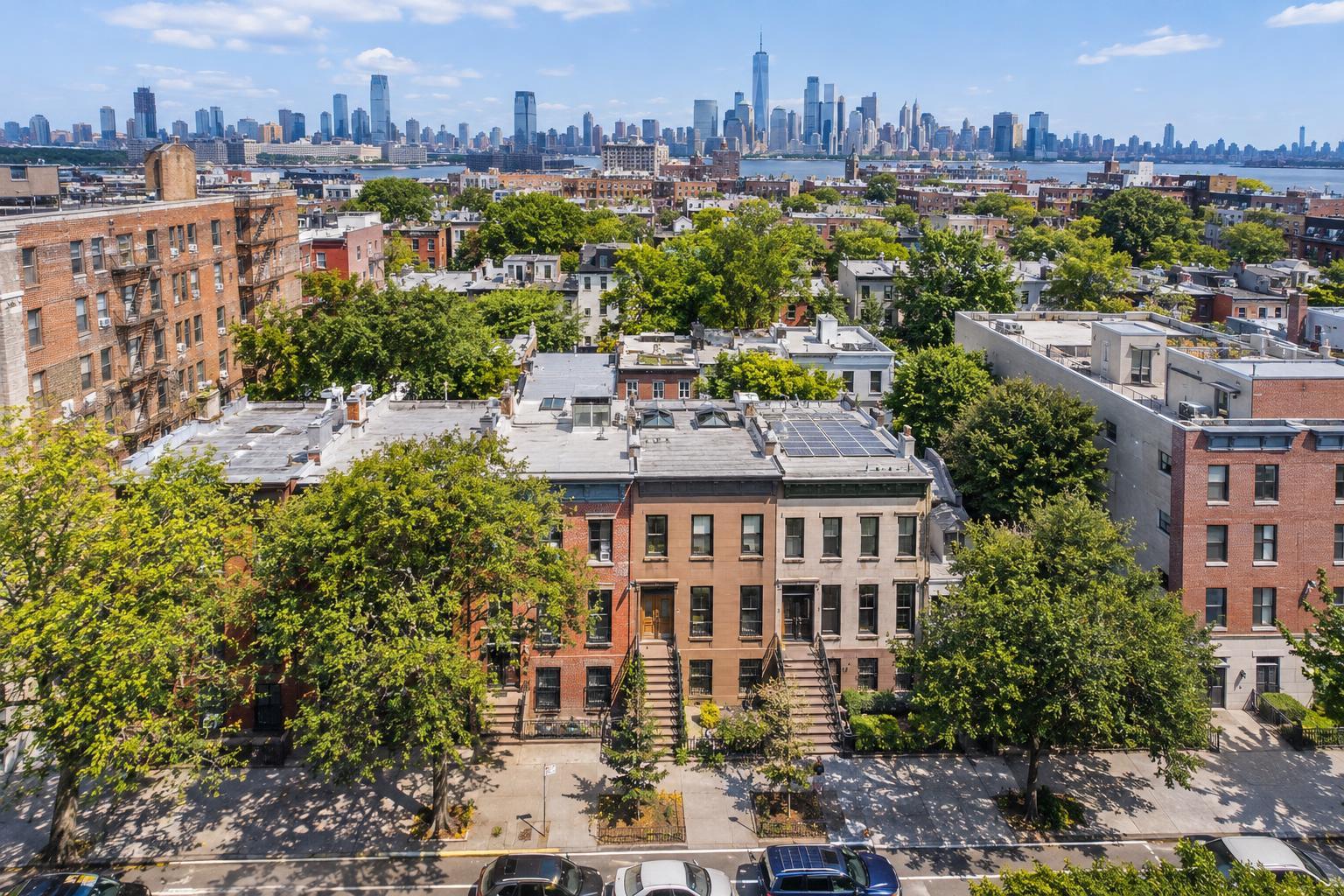
Aerial (drone) footage goes a step further by showing the setting from above: lot size, nearby parks, rooflines, or how a building sits within the landscape. In New York City, drone shots are possible in limited areas, depending on FAA permissions, weather, safety, and access—especially if roof space can be used. In New Jersey, more suburban or rural addresses make drone work more straightforward.
That said, not every listing needs aerials. If outside shots don’t add meaningful context, ground-level footage might be the better option.
Picking the Right Video Format
Different properties and marketing goals call for different video packages. For most NYC and New Jersey listings, you’ll have these main options:
- Standard video: Approximately 1 minute, with standard graphics, branding, and contact info. Great for apartments or focused listings.
- Premium video: Around 1.5 minutes, with custom branding, motion graphics, lobby or amenity shots, and a touch more storytelling—ideal for properties that benefit from added context.
- Premium + Interview: About 3 minutes, adding guided narration from the agent or owner, plus expanded feature footage. This format works well for distinctive homes or when a personal introduction adds clarity.
For agents targeting social media, consider alternate edits such as vertical or square-format versions. The key: formats should be purpose-built for the intended platform, not just cropped from the main video.
For current package details, visit the RealtaSnap real estate videography page.
Booking Real Estate Videography: Practical Questions to Ask
As you consider booking a listing video, ask yourself and your provider:
- What should a viewer know about this property after seeing the video?
- Which spaces or features are hardest to explain with photos alone?
- Will extra shots of amenities, exteriors, or neighborhood add value?
- Is anyone available and willing to provide an on-camera introduction?
- Will the property be ready and prepped on the scheduled shoot day?
- Would a social-media version be helpful alongside the main video?
- Is drone footage feasible at this address, given airspace and site access?
Additionally, confirm that your video provider shoots on site (not from stills), explains their process for branding and revisions, and offers flexible formats as needed.
Where RealtaSnap Fits In
RealtaSnap offers New York City and New Jersey agents, brokers, and property managers a streamlined, professional approach to real estate videography. All listing videos are filmed and edited specifically for each property—no slideshows from existing images. Options range from concise, branding-ready videos suited for Manhattan apartments to more expansive productions for homes and estates that benefit from extra storytelling. Add-on services include aerial footage (when feasible), social edits for Instagram or TikTok, and interview-led walkthroughs.
You can book online anytime through RealtaSnap’s scheduling platform, selecting the best combination of services for your next listing.
FAQ
Question: What is the advantage of a real estate video tour over a photo slideshow?
Answer: A true video tour shows how someone moves from space to space and how rooms connect—information that slideshows can't provide. Video helps buyers picture the home’s flow before ever stepping inside.
Question: How long should my listing video be?
Answer: It depends on the property and where you’ll use the video. Smaller spaces often shine with focused, one-minute videos, while larger homes or listings with unique features may benefit from longer, more detailed tours or agent-guided formats.
Question: Can drone footage be included for any property in NYC or New Jersey?
Answer: Drone footage is offered on a case-by-case basis, depending on airspace, weather, FAA rules, and access. Some NYC locations are more limited due to local restrictions, but suburban and certain urban homes may support aerial shots.
A well-crafted video walkthrough makes it easier for buyers to picture life in a space and for agents to present listings confidently. If you’re ready to explore professionally captured property videos for your next sale or rental, visit www.RealtaSnap.com.