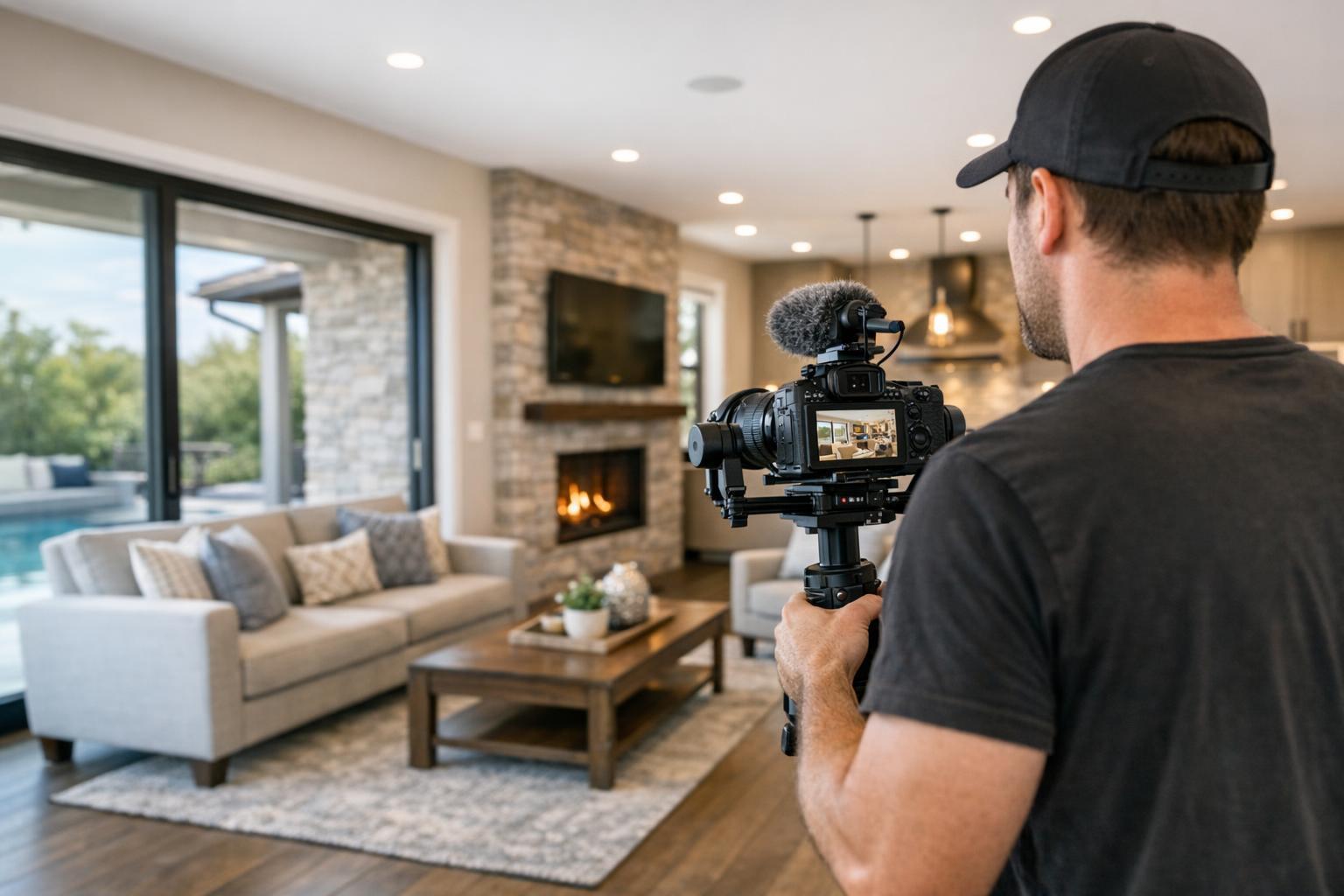
Virtual Staging NYC: What Agents Should Know Before Marketing an Empty Listing
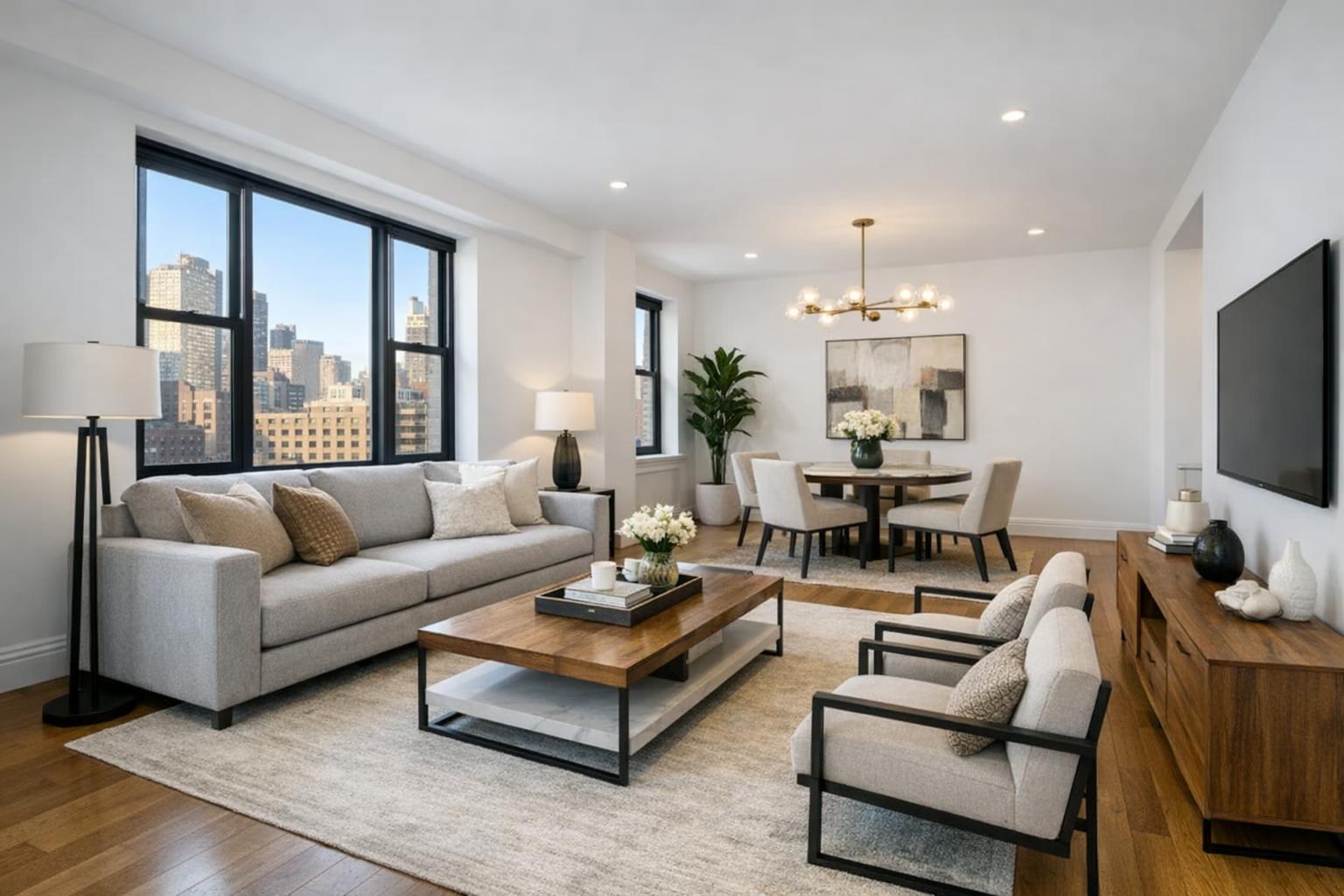
A modern, spacious living room with a sleek grey sofa, contemporary furniture, and large windows showcasing a cityscape, exemplifies virtual staging NYC.

Virtual Staging NYC: What to Know Before Marketing an Empty Property
Marketing an empty property in New York City often comes with a unique set of challenges. Virtual staging in NYC has become a practical answer—transforming vacant rooms by digitally adding lifelike furniture and decor, all without altering the property itself. For agents, brokers, and property managers, understanding how and when to use virtual staging services makes the difference between a listing that’s easy to interpret and one that leaves viewers scratching their heads.
Why Empty NYC Properties Need More Than Great Photos
There’s no denying that professionally shot images are the backbone of real estate marketing. But when a listing is vacant, even the best photography may leave buyers or renters guessing. Manhattan studios, Brooklyn brownstones, new condos, and rental units all risk looking underwhelming or confusing when unfurnished. Without furniture, a compact studio’s layout can be hard to judge, and a broad living room may lack a focal point.
Adding digital furnishings can help:
- Clarify potential room layouts
- Convey function and scale
- Provide emotional context that connects viewers to the space
Done well, virtual staging results in photos that feel natural and plausible. Done haphazardly or with generic design, it can tip into distraction or misrepresentation.
Virtual Staging: Setting the Right Expectation
It’s important to remember that virtual staging is a visualization tool, not a renovation or redesign service. It overlays digital furniture, lighting, rugs, and art onto empty-room photographs. Elements like walls, flooring, windows, and ceiling height remain unchanged.
Staged images work best when they answer practical questions:
- How could the main living space be organized?
- Where can a dining table fit in an open-concept area?
- Is there enough room for a queen bed in the bedroom?
- Could the den be an office, guest room, or playroom?
- What scale of furnishings look right for this property?
But there are clear boundaries: virtual staging should not show removed walls, new windows, or changed finishes. The goal is always to help buyers or renters see the present, not fantasize about a renovation that hasn’t happened.
Which NYC Listings Benefit Most?
Not every property needs (or benefits equally from) virtual staging. Here’s what to consider for different types:
- Manhattan apartments and condos: Show smart use of tight layouts, help buyers understand how living and dining can coexist in one room, and complement architectural details whether historic or modern.
- Brooklyn brownstones: Stage spacious parlor floors, undefined basements, or top-floor dens with reference to their original features and proportions.
- Rental units: Offer context for scale and possible furniture arrangements without requiring actual moving costs or logistics.
- New-development listings: Bring a sense of warmth and real-life scale to freshly finished units that are waiting for their first occupants.
For any of these, the right staging highlights the home’s strengths and clarifies its possibilities—never drawing attention away from actual finishes, natural light, or view.
Choosing What and Where to Stage
You don’t need to fill every image with virtual furnishings. In fact, over-staging can make a listing feel less authentic and even cluttered. A strategic approach means selecting the spaces that most need visual explanation:
- Living rooms: Often the heart of the home and the most confusing when empty.
- Primary bedrooms: Help buyers see genuine bed and furniture placement.
- Dining areas: Especially valuable when open layouts make space division unclear.
- Ambiguous or flex rooms: Office, nursery, den, or guest room concepts show potential.
- Large, unused basements or dens: These can look cavernous when vacant, but staging gives context.
Kitchens, bathrooms, and utility spaces are usually self-explanatory and rarely need digital staging. Including both a bare and a staged version of a tricky room can be smart, giving viewers an accurate sense of space alongside a tastefully proposed layout.
Style Matters: Match the Space, Not the Trend
Effective virtual staging never overwhelms the home’s personality. The best results:
- Fit the design style to the architecture (modern condo, classic pre-war, brownstone, etc.)
- Use furniture that’s the right scale for the room
- Maintain pathways and logical furniture placement
- Stay visually restrained, prioritizing clarity over bold statements
If the staging looks plausible within the property’s context, buyers are more likely to trust the image and imagine themselves there.
How to Prepare: Strong Images Make Strong Staging
Virtual staging starts with quality photography. The more professionally the original image is shot, the better the end result. A few tips:
- Ensure the room is clean and empty—clutter or leftover furniture should be removed in advance
- Box up temporary items like cleaning supplies and packaging
- Allow for plenty of natural light by raising shades or opening blinds
AI virtual staging from RealtaSnap is intended strictly for empty rooms. If a space still has furniture or large items, these must be physically removed or a separate clutter-removal edit should be ordered. This keeps the final result visually consistent and natural.
Being Upfront: Transparency and Labeling
Listing rules vary, but one thing is constant—transparency. Whenever virtually staged photos are used, it’s best practice to indicate that furnishings were digitally added. This can be noted in the image description, via captions, or as required by the listing platform or brokerage. Clearly labeled images help viewers distinguish between actual features for sale and illustrative possibilities, building trust while keeping the focus on the real property.
Getting the Most Out of Virtual Staging in NYC
Before ordering virtual staging, a little planning goes a long way. Useful questions to consider:
- Which rooms are hardest to visualize when empty?
- Is the property for sale, for rent, or a first-time release?
- Does the proposed style match the home’s finishes and likely buyer’s taste?
- Would both bare and staged versions of a room be helpful?
- Do online platforms or the MLS require specific disclosures for staged images?
- Are all unwanted items removed before the photo shoot, or is additional editing needed?
Rather than following a generic formula, tailor your staging choices to suit the property’s features and the story you want to tell.
Integrating Staging with NYC Media Workflow
Virtual staging works best as part of a coordinated listing presentation, not an afterthought. Communicate with your photographer about which rooms need virtual furnishings and whether any on-site changes (like furniture removal) are planned. A coordinated workflow—like RealtaSnap’s all-in-one service for listing photography and virtual staging—helps keep your gallery consistent and your media organized from shoot to final delivery.
Visit the RealtaSnap blog for more insights, or go straight to RealtaSnap’s home page to explore services and get started.
Make Vacant Listings Stand Out
Empty spaces don’t have to look unfinished. Used thoughtfully, virtual staging provides invaluable context—helping buyers and renters grasp room size, potential layouts, and real-life function, always grounded in the present property. Focus on rooms needing explanation, pick a design style that suits the architecture, prep spaces ahead, and keep your imagery honest and transparent.
If you have an upcoming listing and want to make the most out of every room, we’d love the opportunity to work with you.
www.RealtaSnap.com
FAQ
Question: How many photos should be virtually staged in an empty NYC property?
Answer: It depends on the property, but focus on rooms where viewers are most likely to get confused about layout or use. Often, the living room, primary bedroom, and a flexible space are good candidates. There’s usually no need to stage every room.
Question: Can existing furniture be digitally removed as part of virtual staging?
Answer: AI virtual staging is meant for empty rooms. If there’s leftover furniture or clutter, it needs to be physically removed before the shoot, or you’ll need to order a separate clutter-removal edit before staging can be applied.
Question: Does virtual staging mean the property itself is changed?
Answer: No. Virtual staging is simply a digital redesign of empty-room photos, showing one possible furniture layout. It doesn’t represent any structural changes or upgrades to the property itself.