Virtual Staging NYC: How to Prepare an Empty Listing for Listing Photos
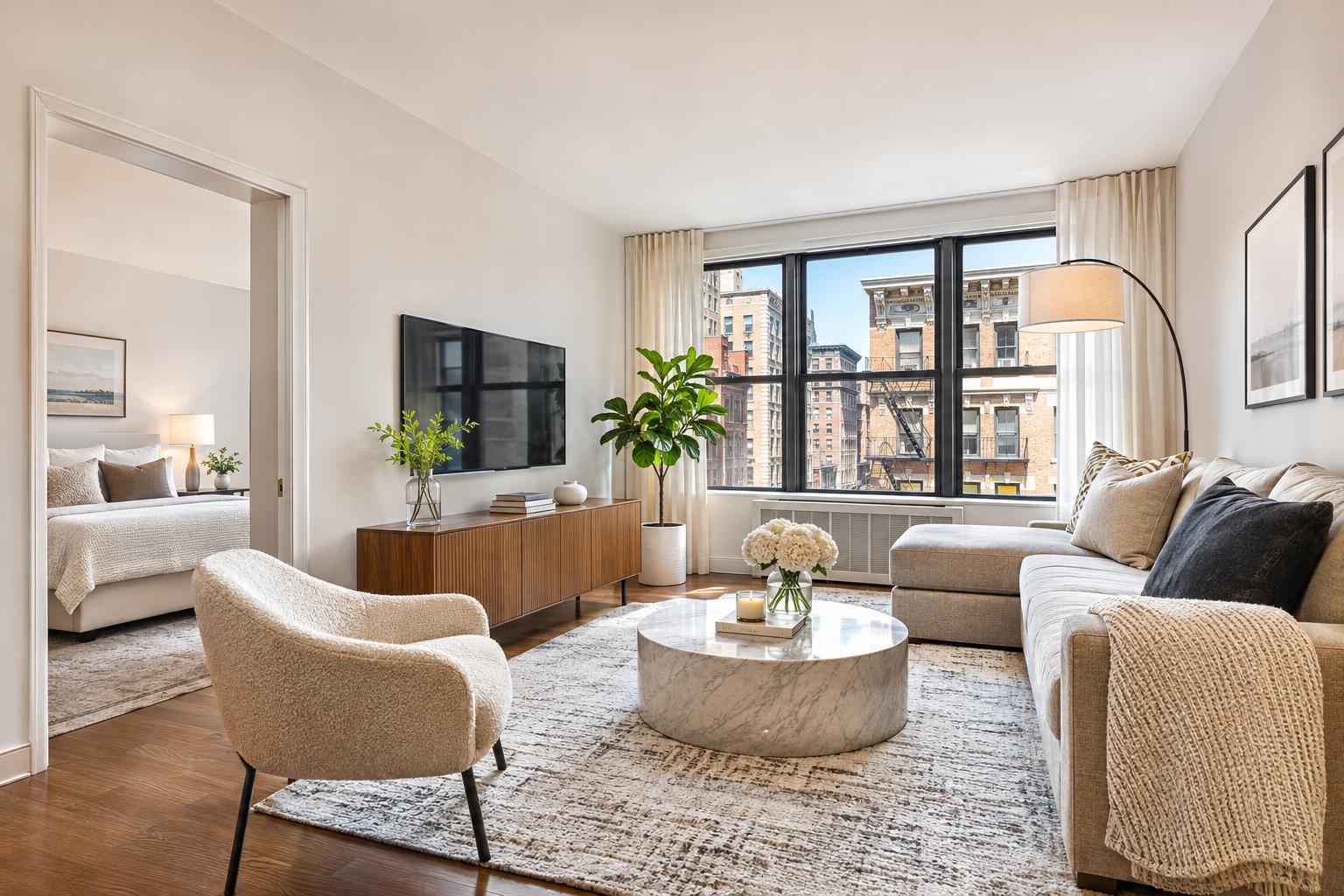
A beautifully staged NYC apartment features a cozy living room with a neutral color palette, large windows, and elegant furnishings, showcasing virtual staging expertise.


Virtual Staging NYC: A Practical Guide to Preparing Vacant Listings for Photos
Virtual staging in NYC gives agents, owners, and property managers a smart way to showcase empty spaces, helping online listing photos make sense without moving in a single piece of furniture. If you’ve ever tried to photograph a bare living room or a vacant bedroom, you know how quickly even beautiful rooms can look ambiguous or smaller than they actually are. Virtual staging addresses this by digitally furnishing rooms so buyers and renters can understand scale and potential—while the physical property stays untouched.
Why Empty Rooms Need a Little Help
Photographing a vacant property has its own set of challenges. Sure, you can see floor, walls, and windows, but imagining everyday life in the space? That’s harder for most people without visual cues. In NYC, compact layouts and flexible spaces are common—from convertible alcoves in Manhattan condos to garden-level rooms in Brooklyn brownstones.
A virtually staged photo can:
- Help buyers picture how a sofa and rug fit in an open living area
- Clarify whether a nook could be an office, a nursery, or a dining space
- Show realistic bedroom layouts (with a bed, dresser, and nightstands)
- Suggest possibilities for terraces or balconies with digital outdoor seating
It’s not about “tricking” viewers with fantasy furniture. It’s about making proportions, flow, and intended use easier to understand at first glance.
When Virtual Staging Shines: Best Use Cases
Virtual staging is most effective when working with truly empty, freshly cleaned spaces. The digital editor needs a clear view of the architecture, surfaces, and natural light to overlay furnishings that look convincing and proportional.
Before scheduling photos, walk through the home and make sure you’ve removed:
- Leftover furniture or personal items
- Boxes, packaging, or supplies
- Cleaning gear and trash bins
- Window coverings that block daylight
- Cords, wall hooks, or distracting fixtures
The room doesn’t need to be sterile, but it should be visually uncluttered so virtual furniture won’t compete with stray objects. If you still have personal belongings or large leftover items, consider clutter removal first; a clean slate sets the foundation for believable virtual staging.
AI-driven staging services like those from RealtaSnap work specifically with empty rooms. If the home is partially furnished, clear it out or look into professional clutter removal before requesting digital staging.
Comparing Virtual Staging, Physical Staging, and Clutter Removal
While their aims sometimes overlap, each of these services solves a different problem:
Virtual Staging
- Digital furniture and décor are added to photos after the shoot
- No physical items enter the property; changes happen only in the image
- Great for vacant listings, rentals between tenants, and investment properties
- Most useful in key rooms—think living areas, bedrooms, offices
Physical Staging
- Real furniture, art, and décor are installed in the home
- Viewers see and experience the layout during showings or open houses
- Valuable when there will be frequent in-person tours or if the property needs full physical presentation
- Requires delivery, setup, and coordination with building rules
Clutter Removal
- Image-editing process that erases items from a photo
- Helpful for “cleaning up” after move-out or before virtual staging
- Not a replacement for emptying the space; objects removed digitally should be small enough to be plausible
If there’s a lot of furniture left in a room, virtual staging can’t simply layer new décor on top—remove what you can, then address remaining distractions before staging.
Which NYC Properties Benefit Most From Digitally Furnished Images?
Empty homes with interesting layouts or desirable features can shine with well-executed virtual staging. Here’s where it adds the most value:
- Vacant Manhattan condos and co-ops: Every inch counts. Digital furniture can demonstrate how seating, dining, and sleep spaces fit even in compact apartments.
- Brooklyn brownstones: Virtual staging can help clarify the purpose of flexible rooms or make parlor-level and garden spaces easier to interpret.
- New development units: Unfurnished photos of new, unoccupied condos tend to blur together. Staging makes each unit feel distinct without covering up new finishes.
- Rental apartments: Helps potential tenants mentally arrange furniture before booking a tour, especially in studios or one-bedrooms.
- Investment properties: Empty after a renovation or between tenants? Virtual staging lets the photos present a welcoming scene while showing off the actual materials and amenities.
The Key Is a Quality Base Photo
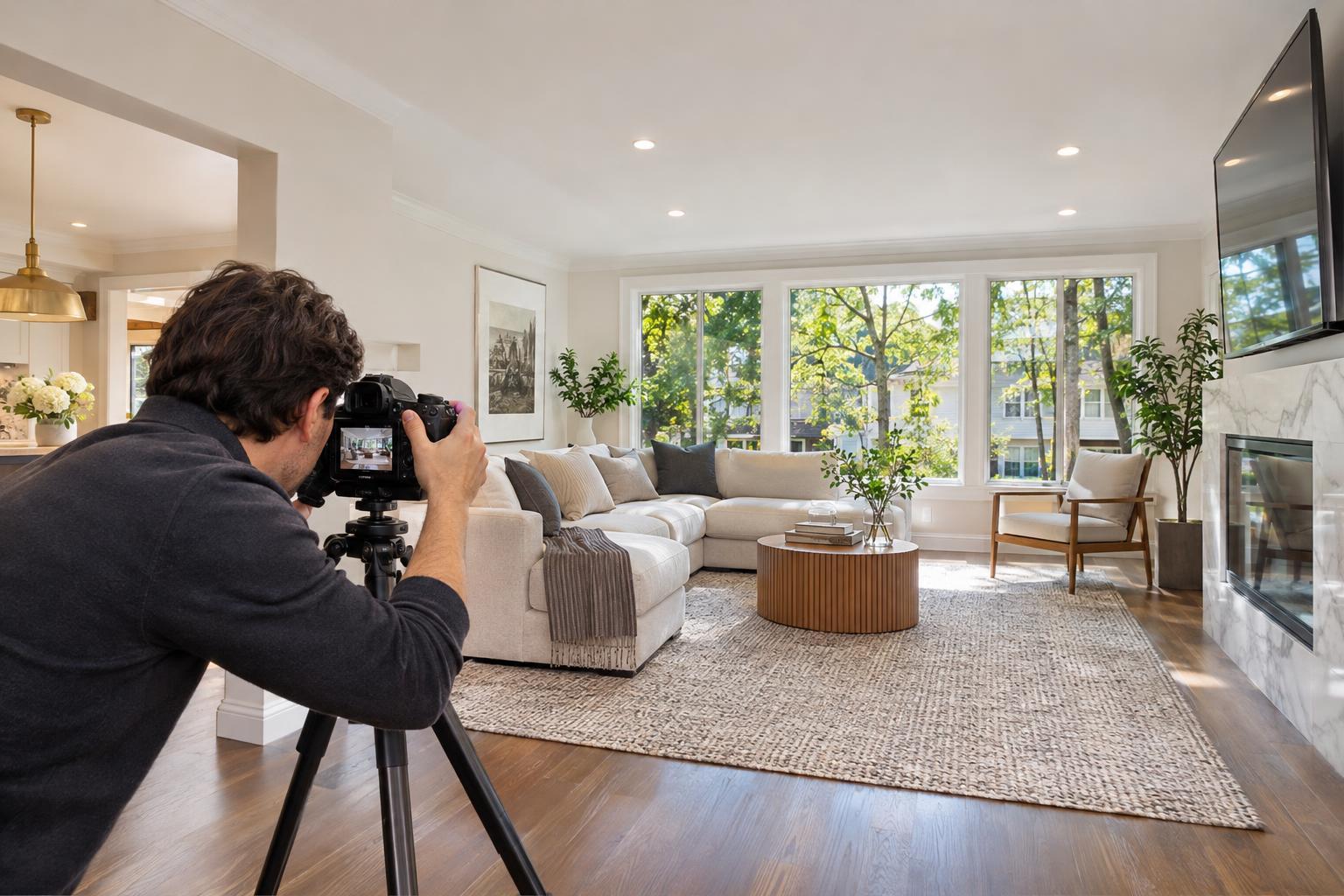
A convincing virtually staged image starts with a sharp, well-composed professional photo:
- Keep lines straight and perspectives natural
- Use balanced, bright lighting
- Avoid harsh shadows and overly wide or distorted angles
Phone snapshots or cluttered, dark photos will undermine even the best digital design work. In NYC and New Jersey, RealtaSnap offers HDR listing photography specifically for these purposes. At your shoot, confirm that all rooms intended for virtual staging will be accessible and photo-ready.
Choosing the Right Virtual Staging Style
Good virtual staging should feel plausible for the property—never like a design catalog.
Consider:
- Matching furniture scale and style to the property’s real architecture and finishes
- Keeping layouts uncluttered and consistent with adjacent rooms in the photo gallery
- Using color palettes and furnishings that support, but don’t overpower, the listing
For pre-war apartments, warm and classic touches often fit. Brookly brownstones can mix traditional and modern pieces. Compact studios may need visually lighter, streamlined furniture. For new developments and rentals, simple, modern, or neutral looks usually work best.
Try to maintain stylistic consistency from room to room, so the gallery feels cohesive. Only stage rooms where it will help viewers—don’t feel obligated to virtually furnish every corner or closet.
Transparency: Showing Both Staged and Unstaged Photos
Virtual staging should clarify what’s possible, not create confusion about what’s included. When gallery space allows, provide both the “before” (empty) and “after” (digitally furnished) images in your listing. This helps viewers see the property exactly as it is while also understanding how it can be laid out for daily life.
Be sure to label digitally altered images clearly. Brokerage policies may differ on disclosure, so review any rules about image editing before publishing.
A Streamlined Prep Checklist for Photo Day
A few quick steps before your appointment will help ensure the virtual staging (and the original photos) are as effective as possible:
- Decide which rooms will be staged and which should remain empty
- Remove any leftover furniture, boxes, or cleaning materials from those rooms
- Finish routine cleaning and touch-ups
- Check lights and blinds—natural light can make a big difference
- Make floors and surfaces easily visible
- Decide intended room uses in advance: living, sleeping, working, dining, or flex
- Let your photographer know about quirks (built-ins, radiators, unique layouts)
- Plan to label staged images for transparency in your marketing
Let Your Empty Listing Tell Its Story
A vacant property doesn’t have to feel cold or ambiguous in online listings. With digital staging, you make it easier for buyers and renters to understand the space, see potential, and imagine real-life use—while still presenting honest, accurate information.
For agents, owners, or managers preparing an empty NYC or New Jersey property, RealtaSnap provides both professional photography and virtual staging designed for local listings. You’ll get clear photos, practical advice, and market-ready images for your gallery. Learn more or book services by visiting RealtaSnap’s homepage.
FAQ
Question: Can virtual staging be done if there’s still some furniture in the room?
Answer: Virtual staging is designed for empty rooms. If there’s existing furniture, boxes, or clutter, those items need to be physically removed—or handled through a dedicated clutter removal service—before digital staging can start.
Question: Should every area of a vacant property be staged virtually?
Answer: No, it’s usually best to focus on main rooms where furniture helps buyers understand function, scale, or flow. Living rooms, bedrooms, offices, and dining areas are typical choices. Hallways, bathrooms, utility spaces, and closets usually don’t need staging.
Question: Does virtual staging affect the real, physical property in any way?
Answer: Not at all. Virtual staging is a digital process applied to images after they’re taken. The home itself remains exactly as photographed—virtual furniture appears only in selected marketing photos and should always be disclosed.
If you ever need help preparing an empty listing or want to see how professional, digitally staged images could add clarity to your gallery, RealtaSnap would be happy to help. You can explore options or schedule online anytime at www.RealtaSnap.com.