What Is a 3D Virtual Tour and When Does Your Listing Need One?
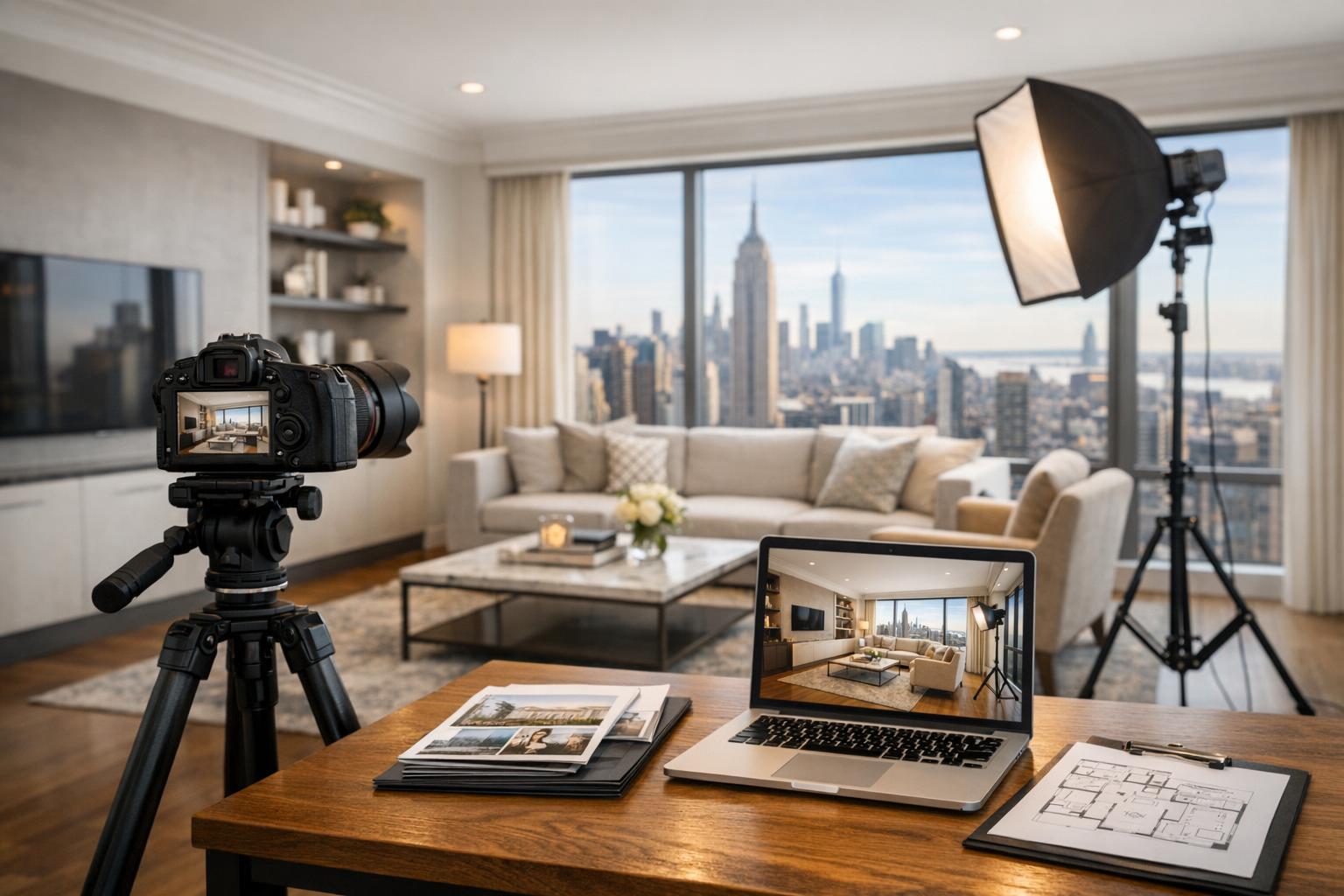
The 3D virtual tour showcases a modern open-concept living space with a cozy fireplace, sleek kitchen island, and comfortable seating area.


What Is a 3D Virtual Tour and When Does Your Listing Need One?
A 3d virtual tour offers something that static photos or linear video simply can’t: the ability for buyers, tenants, or decision-makers to explore a property on their own terms, right from their device. For NYC and New Jersey real estate professionals faced with the question of whether to include a virtual walkthrough in their listing, understanding how these tours work—and when they’re most effective—makes all the difference.
What Makes a 3D Virtual Tour Different?
A 3D tour is more than just a slideshow or video highlight reel. It’s an interactive, room-by-room digital model of a real property, built using on-site scanning tools like Matterport. Instead of being guided through a preset sequence, viewers can “walk” through hallways, step into bedrooms, double back to the kitchen, or compare living spaces—just like they would at an in-person showing. The experience lets potential buyers or tenants develop a real sense of flow and spatial relationships before ever setting foot inside.
How Is It Created?
Professional 3D tours are made by capturing multiple viewpoints throughout the interior during a physical visit. The result is a seamless digital environment that faithfully represents the current state of the listing. You won’t see proposed renovations, staging overlays, or speculative renderings—just the property as it exists.
Photos, Video, Floor Plans, or Virtual Tours?
Each visual tool serves a unique purpose in real estate listings:
- Photos spotlight the best angles, light, or architectural details, and are a must for any listing. But even the most skilled photography can only show so much, especially when it comes to understanding how rooms actually connect.
- Video gives a sense of movement and mood, typically from the editor’s perspective. It’s great for storytelling, but viewers can’t control the pace or revisit particular spots.
- Floor plans offer a high-level view of room placement and circulation. They’re fantastic for grasping overall layout, especially when paired with interactive media.
- Slideshows are simply image galleries—no matter how well edited, they lack the flexibility to explore multiple angles or paths through the space.
The big difference? A 3D Matterport tour isn’t stitched together from photos or blueprints. It requires on-site capture and creates a dynamic digital twin of the actual property, available for remote navigation.
When Should You Add a Virtual Tour?
While a 3D virtual tour won’t always be necessary, there are situations where it provides significant value:
- Layouts with multiple bedrooms, levels, or living spaces.
- Properties where the arrangement of rooms is central to their appeal (think brownstones, condos with unique footprints, multi-unit buildings, or commercial spaces).
- New developments or renovations, where buyers want to “walk” the space before committing.
- Rentals, especially when out-of-town tenants need a comprehensive feel before scheduling a visit.
- Listings that will attract remote viewers, relocating buyers, investors, or anyone who can’t visit in person.
In tight NYC apartments or compact New Jersey condos, spatial orientation can make or break a buyer’s interest. A pre-war Manhattan co-op with a gallery hall or a Hoboken rowhouse with four floors may simply make more sense in an interactive tour than in still images.
NYC and New Jersey: Local Nuance Matters
Properties across New York City and New Jersey are known for unique layouts—parlor floors, split-levels, converted lofts, garden-access townhomes, and more. And in such a competitive market, clarity is a major advantage.
- In Brooklyn brownstones or Jersey City townhouses, multiple stairways and distinct living areas can be explained far more clearly by letting a prospect “walk” digitally through the whole property.
- Condo units with angled walls or unconventional kitchens are easier to understand with a model that can be navigated and revisited.
- Commercial spaces—offices, medical suites, or multi-use storefronts—often benefit from a tour that allows each area and connection to be explored on demand.
Don’t choose a 3D tour just for the sake of more media. Instead, ask: could a remote walkthrough answer questions, reduce confusion, or help serious buyers get oriented before the first call?
When Are Photos and a Floor Plan Sufficient?
Not every listing needs a Matterport tour. If you’re marketing a straightforward studio, a classic one-bedroom, or a place where the main attractions are a backyard, terrace, or view, excellent images and a simple floor plan might do the trick.
Consider the following:
- Will a virtual walkthrough truly add to a buyer’s understanding, or is the layout simple?
- Is time or budget better spent elsewhere, or does the property really warrant the extra step?
For smaller, single-room, or ultra-traditional layouts, photos and a floor plan may provide all the needed clarity.
Preparing Your Property for a 3D Tour
Since a virtual tour captures your listing exactly as it is, preparation is critical. The capture process allows viewers to look every which way, so think of it as preparing for an open house, but on digital display.
Here’s a quick prep checklist:
- Declutter every visible surface and remove personal items.
- Clean floors, mirrors, counters, and windows.
- Open blinds or curtains, and turn on all lights.
- Make beds, straighten up closets, and organize visible storage if they’ll appear.
- Remove or arrange excess furniture to make spaces feel inviting but navigable.
- Ensure every area to be included is accessible at the time of capture.
- Alert residents or building staff as needed for smooth access.
If you plan to include amenities—like shared gyms, rooftops, garages, or commercial common areas—be sure they’re ready ahead of time.
What a 3D Tour Can’t Do
A 3D virtual tour isn’t a tool for hypothetical design or post-production magic. It always requires on-site scanning, with physical access to all areas you want covered. You can’t create a virtual tour from photographs, PDFs, or architectural plans alone.
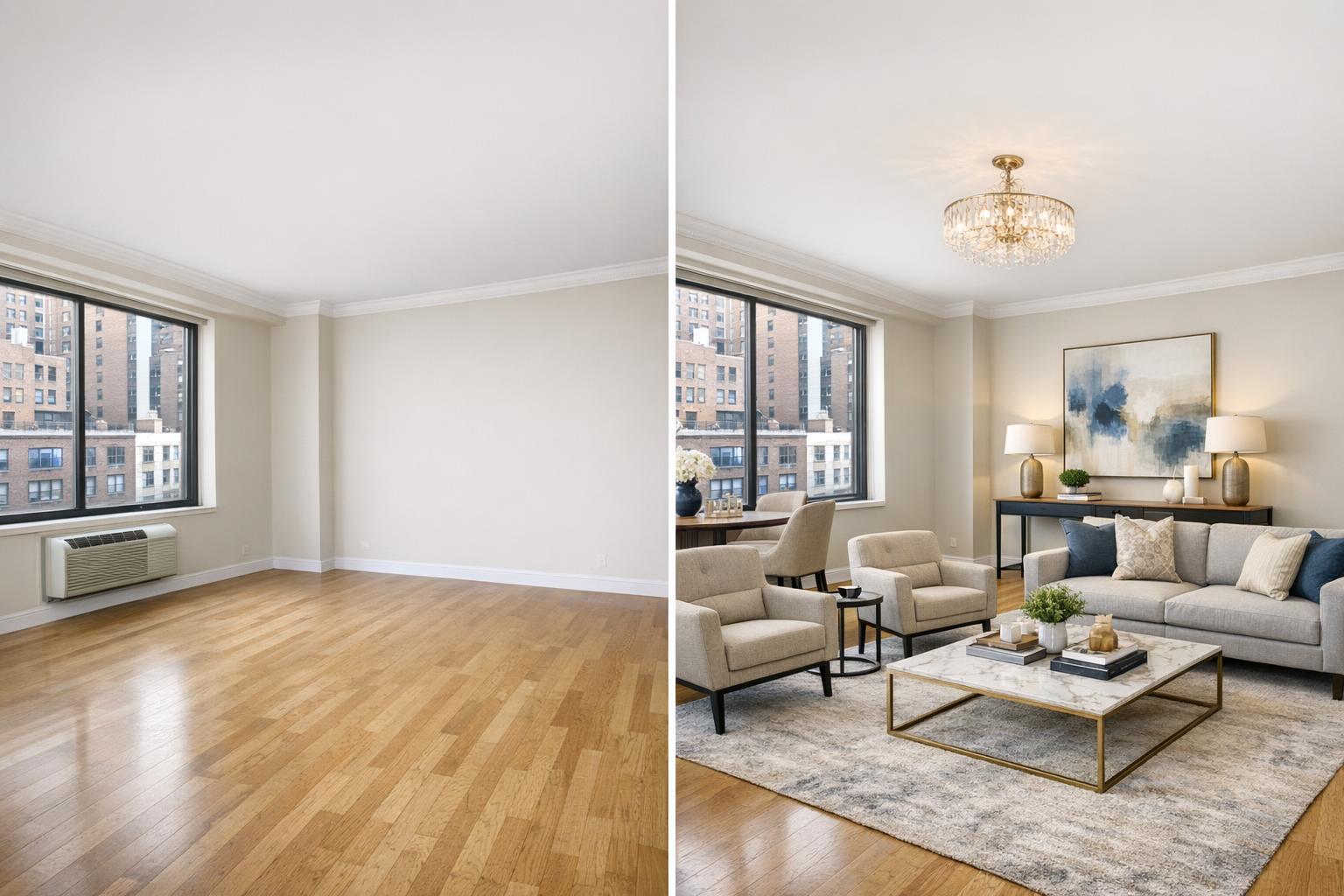
It’s also not the same as virtual staging. While empty rooms can be staged with digital furniture, a 3D scan shows spaces as they are—so make sure those rooms are cleaned and cleared before capture.
For the best results, time your shoot after cleaning, staging, or move-out is complete.
Building Your Listing’s Media Mix
Often, a virtual tour is most useful as part of a thoughtful group of marketing assets:
- Photos to highlight features and details
- A floor plan for layout reference
- A 3D tour for in-depth remote exploration
- Video for mood, narrative, or social media
For both residential and commercial properties, this layered approach ensures that viewers can choose how they want to get familiar—and reaches a wider array of decision-makers.
Professional Matterport Tours in NYC and New Jersey
When your property calls for a navigable digital experience, RealtaSnap offers professional Matterport tours for NYC and New Jersey listings. All tours are captured on site, ensuring accuracy and giving potential buyers or tenants the confidence that comes from truly understanding a space.
RealtaSnap currently offers virtual tours for properties up to 3,000 square feet as well as for larger listings, with add-ons like 2D floor plans or hosting transfer available for more complex needs.
If you’d like help deciding which media fit your listing—or want to learn more about virtual walkthroughs and professional real estate media—you can visit RealtaSnap’s homepage.
FAQ
Question: How long will the 3D virtual tour stay available online?
Answer: Hosting terms vary by arrangement. If your tour ever needs to be moved to another account or platform, RealtaSnap can provide a hosting transfer as an add-on.
Question: Can outdoor areas or building amenities be included in the tour?
Answer: Yes, as long as physical access is available during the capture appointment. Just be sure to specify in advance if you’d like to include shared spaces, rooftops, or amenities.
Question: Should the property be staged before capturing the 3D tour?
Answer: It’s best to schedule your tour after the property is fully cleaned and staged. Since the scan records everything visible, you’ll want the space to match your intended listing presentation.
If you have an upcoming listing in NYC, New Jersey, or the surrounding area that could benefit from a 3D tour, RealtaSnap is ready to help. Visit www.RealtaSnap.com to get started.